Steps:
Before launching the assessment, you will notice that the assessment status displays as “Set-Up”. Upon completion of the set-up (make sure that the respondents, as well as the survey schedule details, are correct), you can launch the assessment simply by clicking on the “Launch Assessment” button in the upper right corner:
Click on the “Launch Assessment” button
Click “Yes”
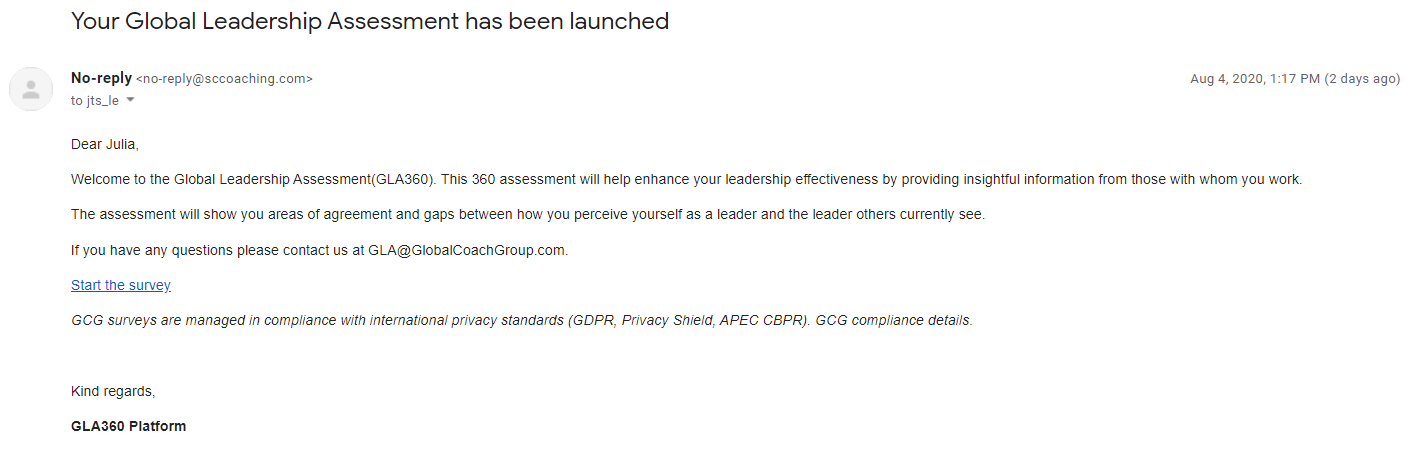
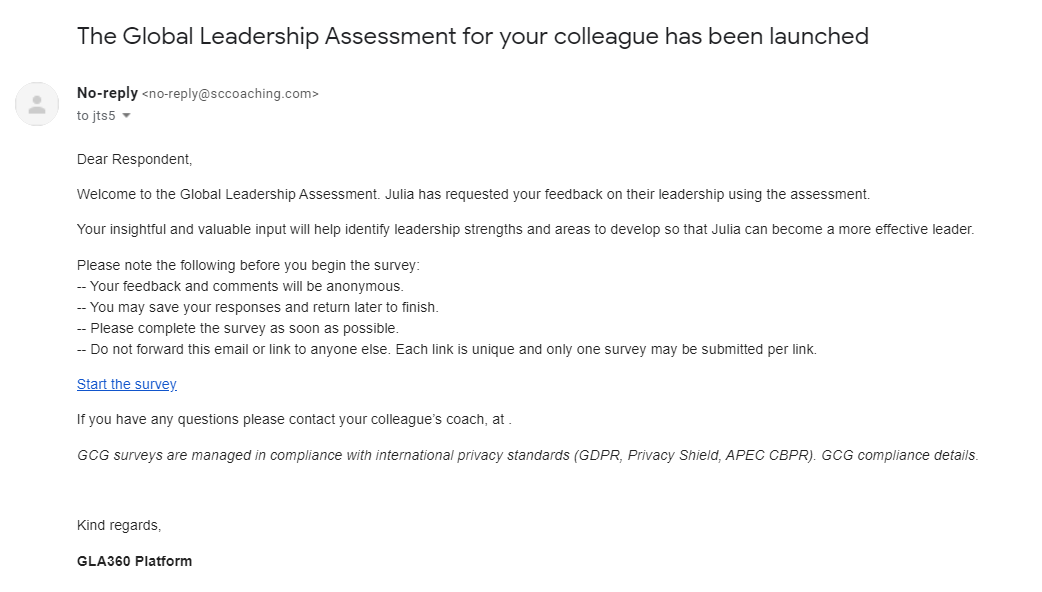
An email with the subject “The Global Leadership Assessment for your colleague has been launched” will be sent to your respondents. An email with the subject “Your Global Leadership Assessment has been launched” will be sent to you. The assessment status will change to “Data Collection”.
The details of the emails can be found hereunder:
1. To the Respondents (including the Manager)
2. To the Leader