Steps
Go to the assessment page
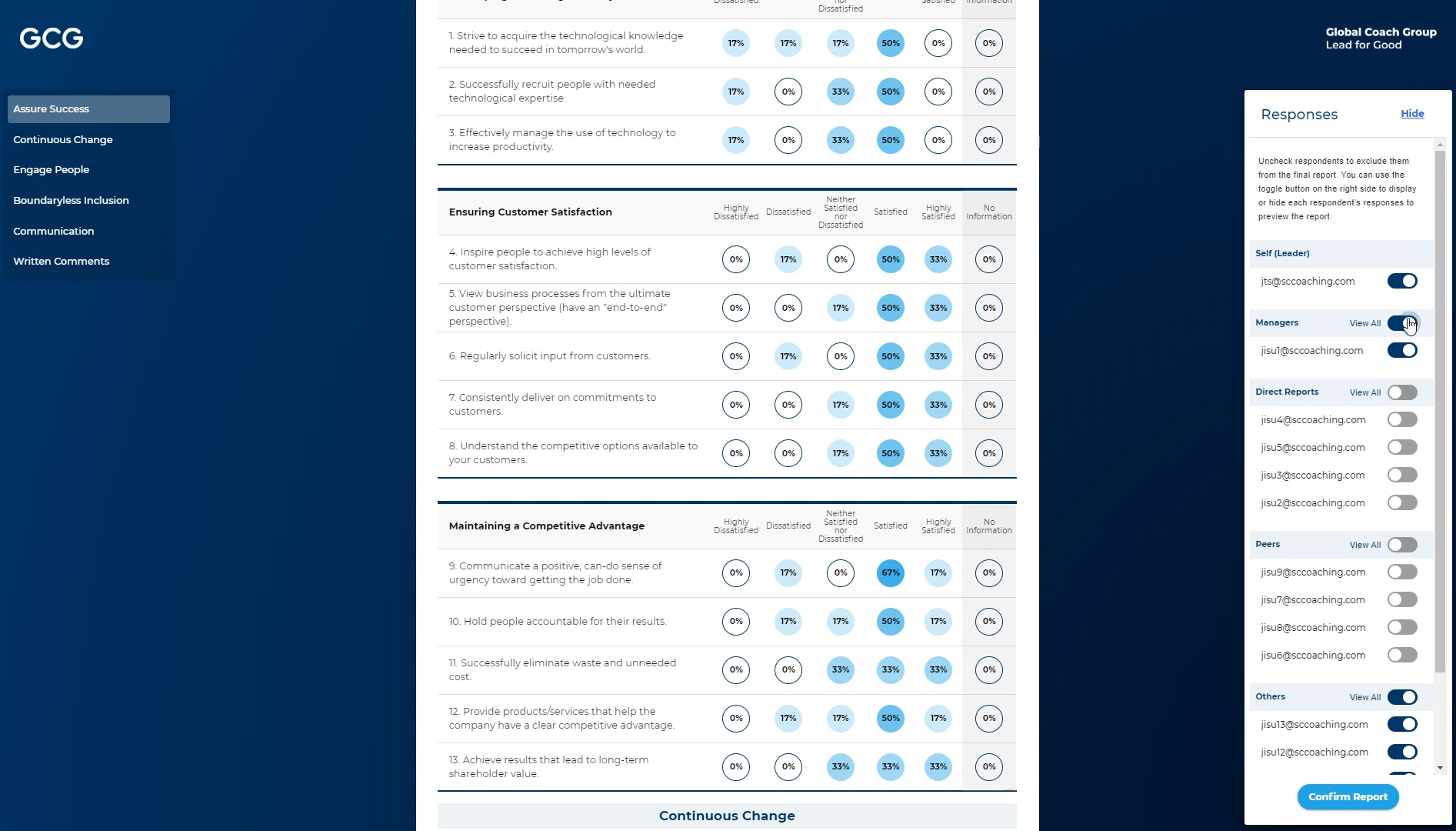
Click on the “Review Responses” button in the upper right corner
Scroll down to review the responses
On the left menu you can click on the survey categories to jump directly to that section
Click on “Show” on the right side if you want to uncheck respondents to exclude them from the final report. You can use the toggle button on the right side to display or hide each respondent’s responses to preview the report.