Steps
Go to the assessment page
Go to “Respondents”
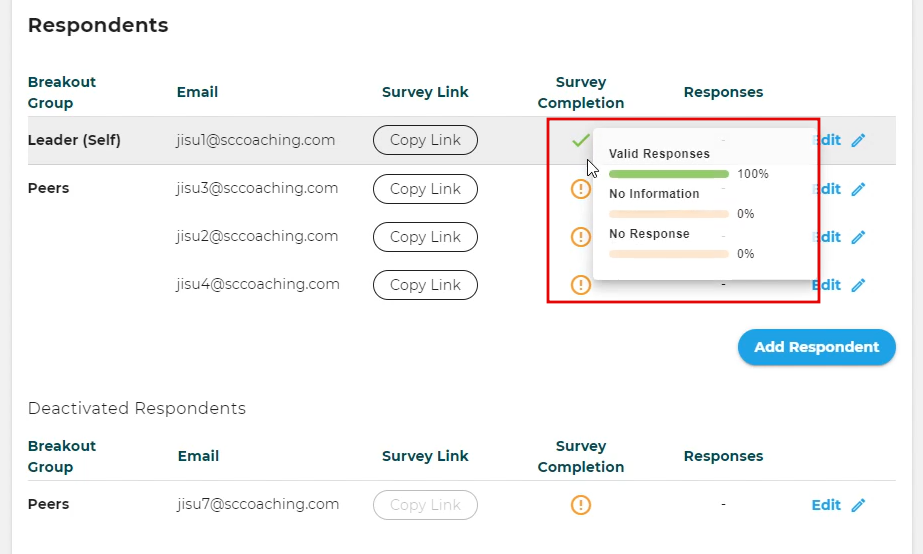
Under “Survey Completion” hover over the √ and ! symbols to see the percentages for “Valid Responses”, “No Information”, and “No response” (see screenshot hereunder).
Alternatively, you can click on 'Copy Link' and paste that into a separate browser tab. There you can see the respondent's survey answers in detail. Be aware that any actions you take in that survey will be part of the respondent's answers in the report later.