
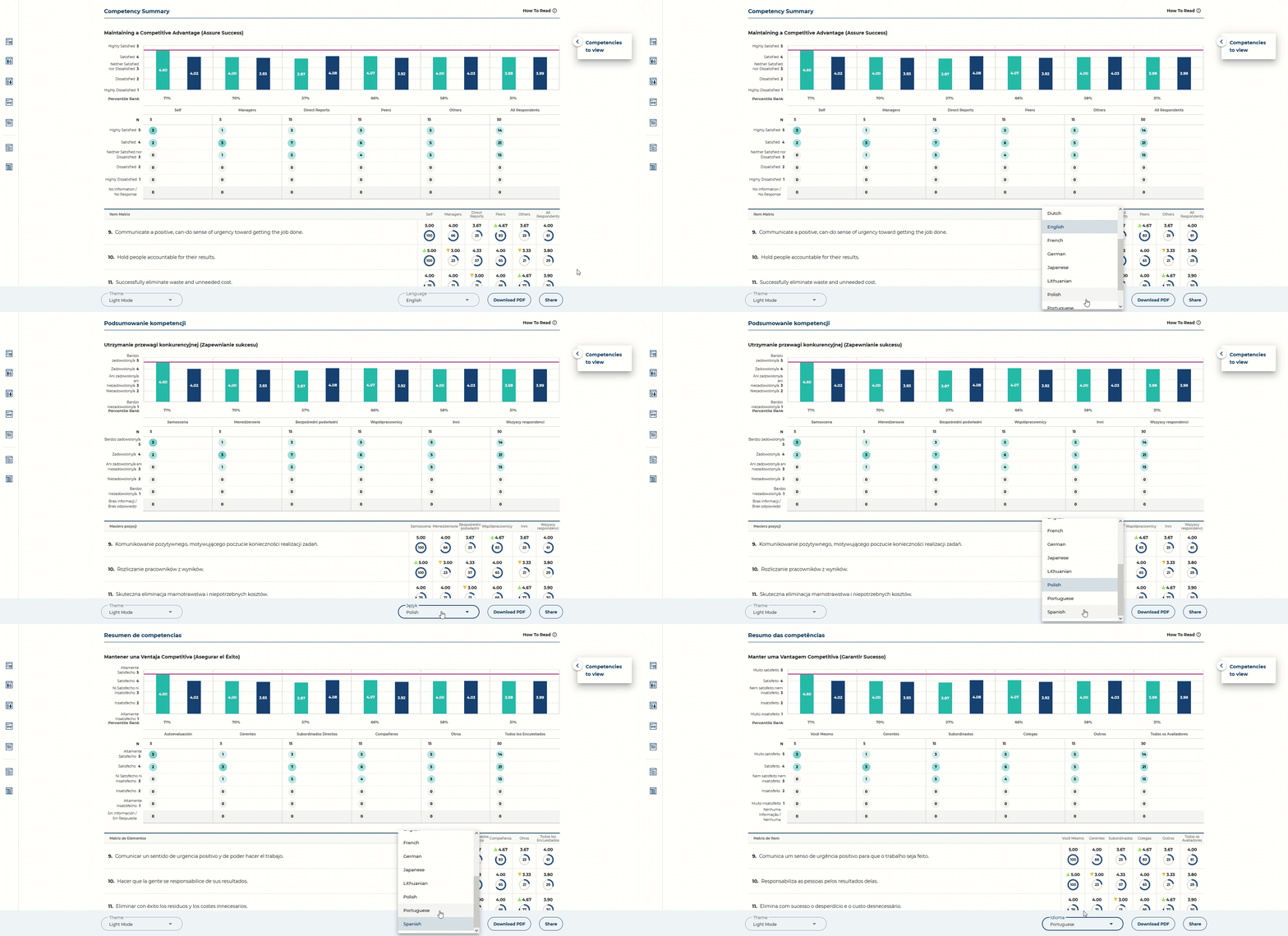
To view the GLA360 report in different languages, use the language selector on the bottom right of the screen:
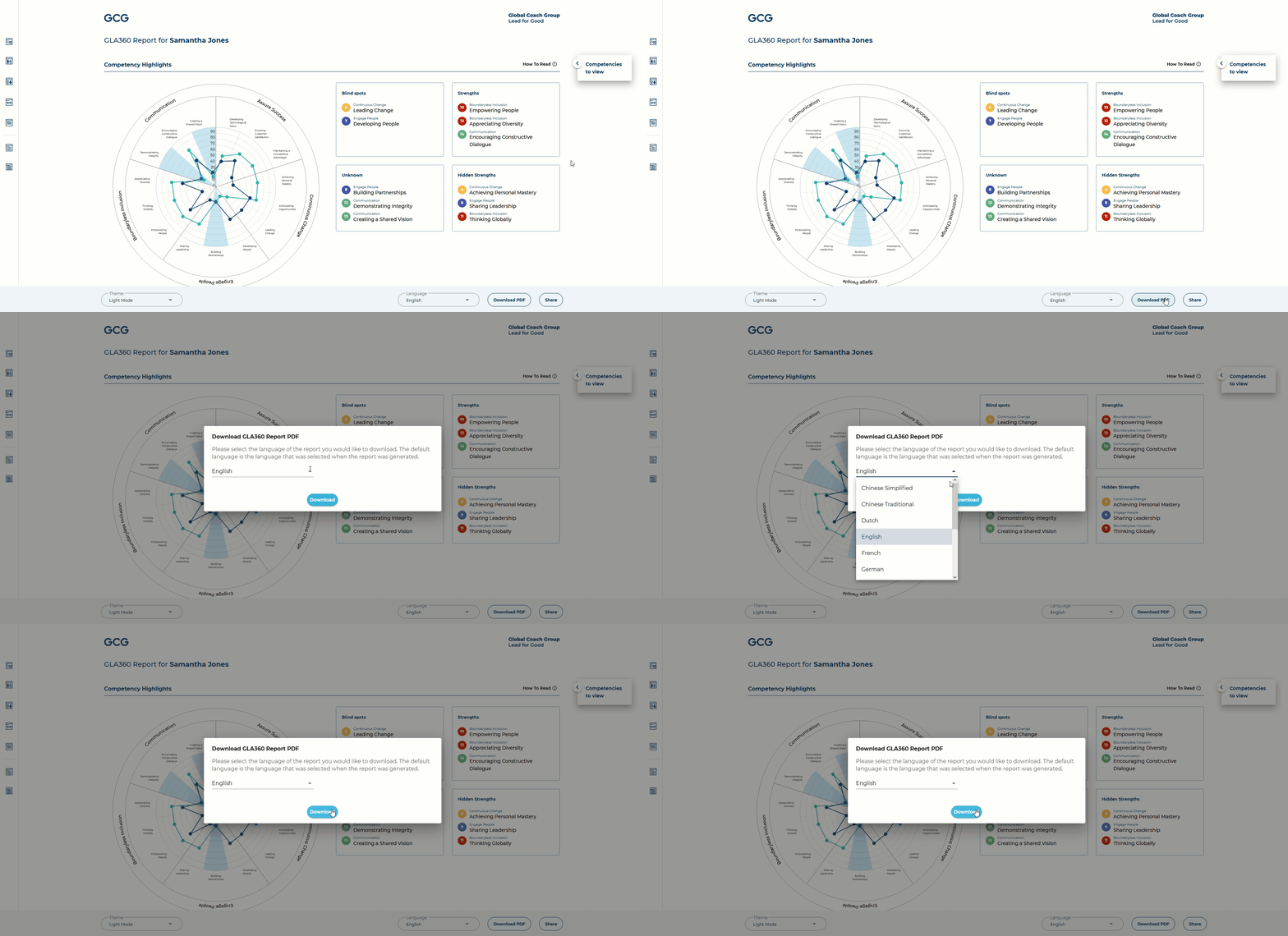
To download the report in a different language, change the language option within the "Download PDF" settings:

What are you looking for?
Get help straight from our team...
How to view / download the report in different languages
GLA - Report Tutorials
Last updated on 03 Aug, 2021
To view the GLA360 report in different languages, use the language selector on the bottom right of the screen:
To download the report in a different language, change the language option within the "Download PDF" settings: