

In the interactive GLA360 report, there is a bookmarking tool you can use to set the agenda for your debrief sessions, called "Competencies to view." You can open up this section on the main overview page, by clicking on the arrow next to the section.
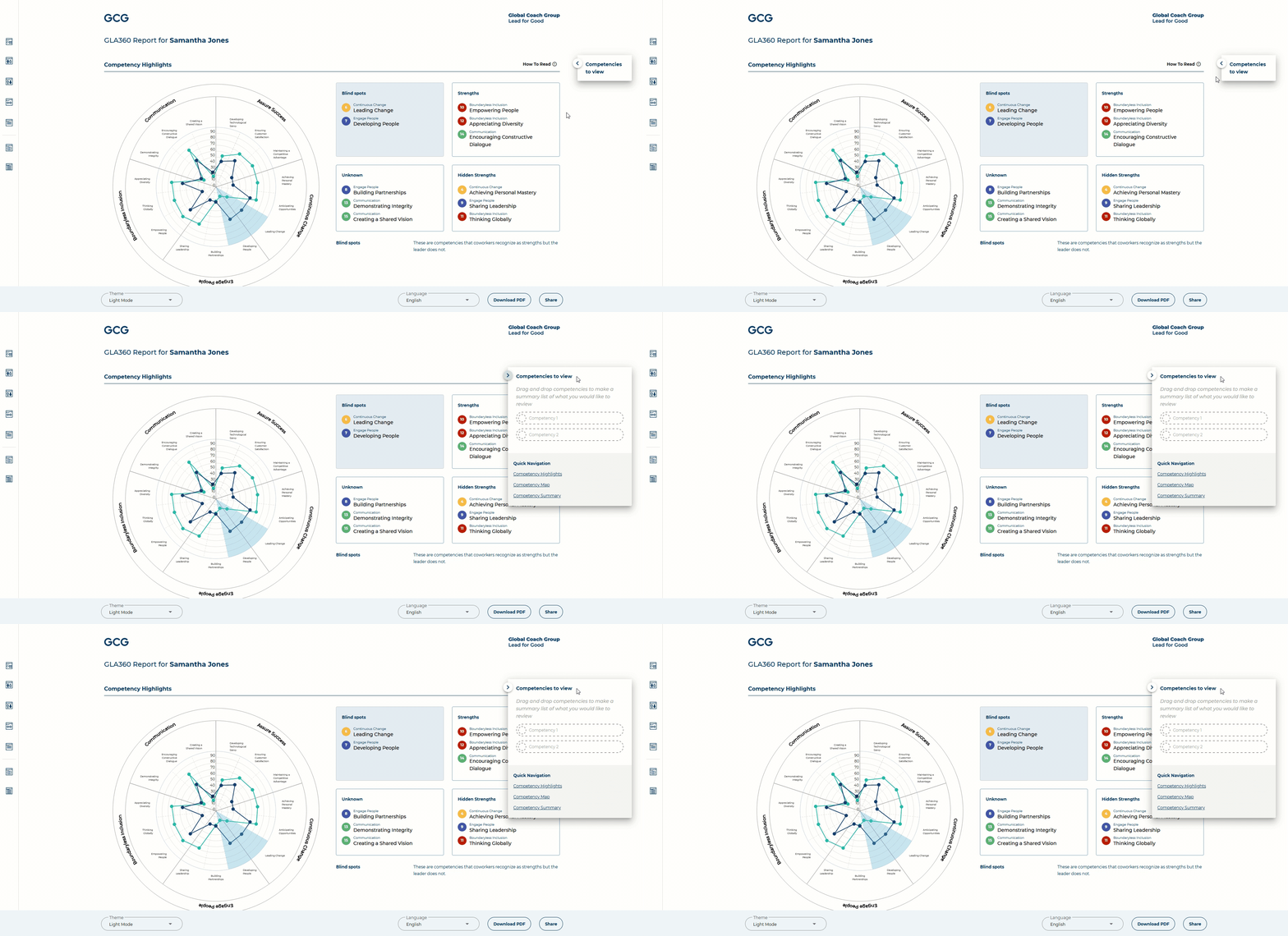
As you discuss with your leader which competencies they wish to talk about during the session, you can drag and drop these competencies into the "Competencies to view" section, which will save these items into the agenda.
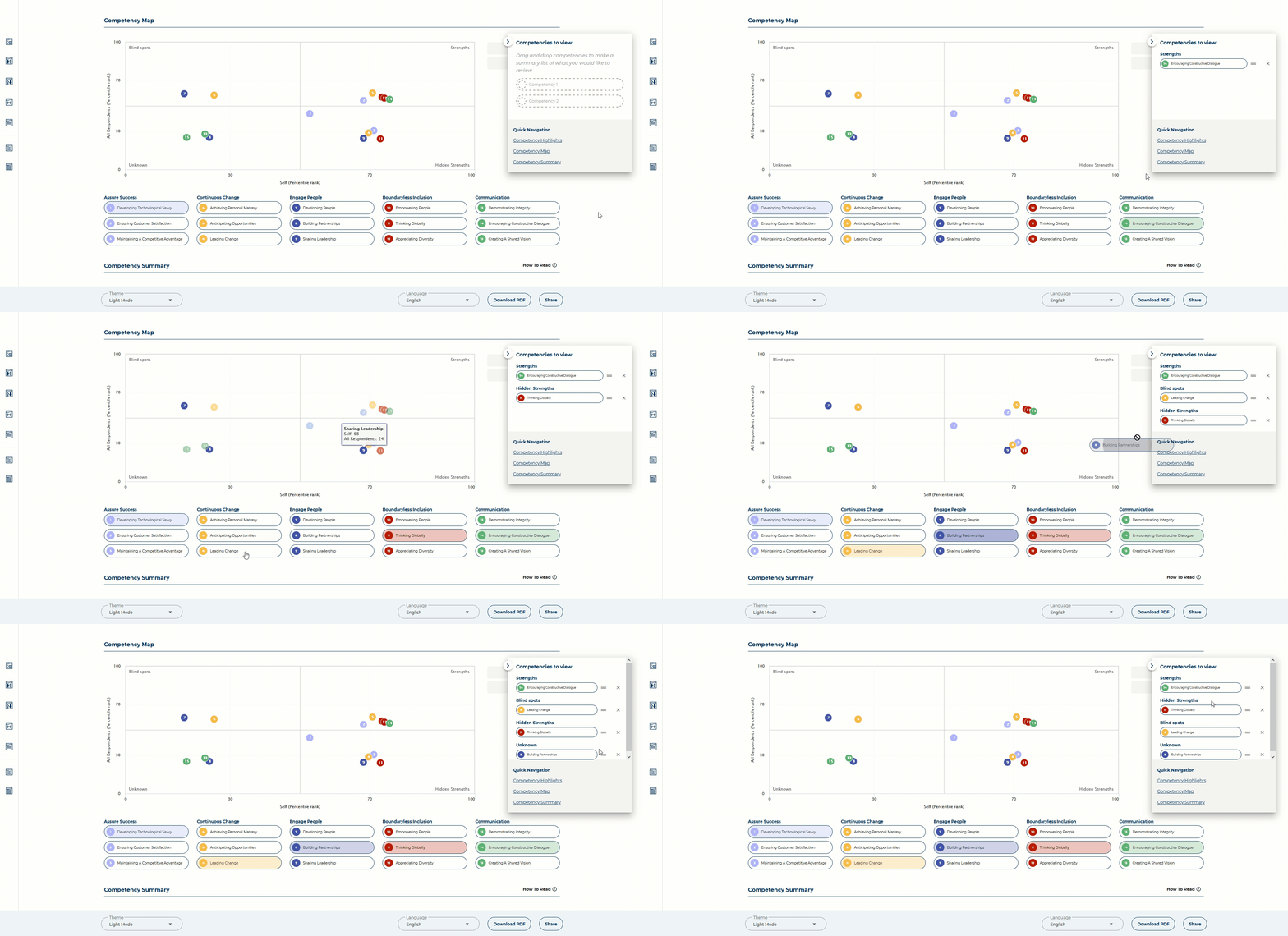
As you talk through the report, you can click these items to affect the Competency Map and Competency Summary sections.
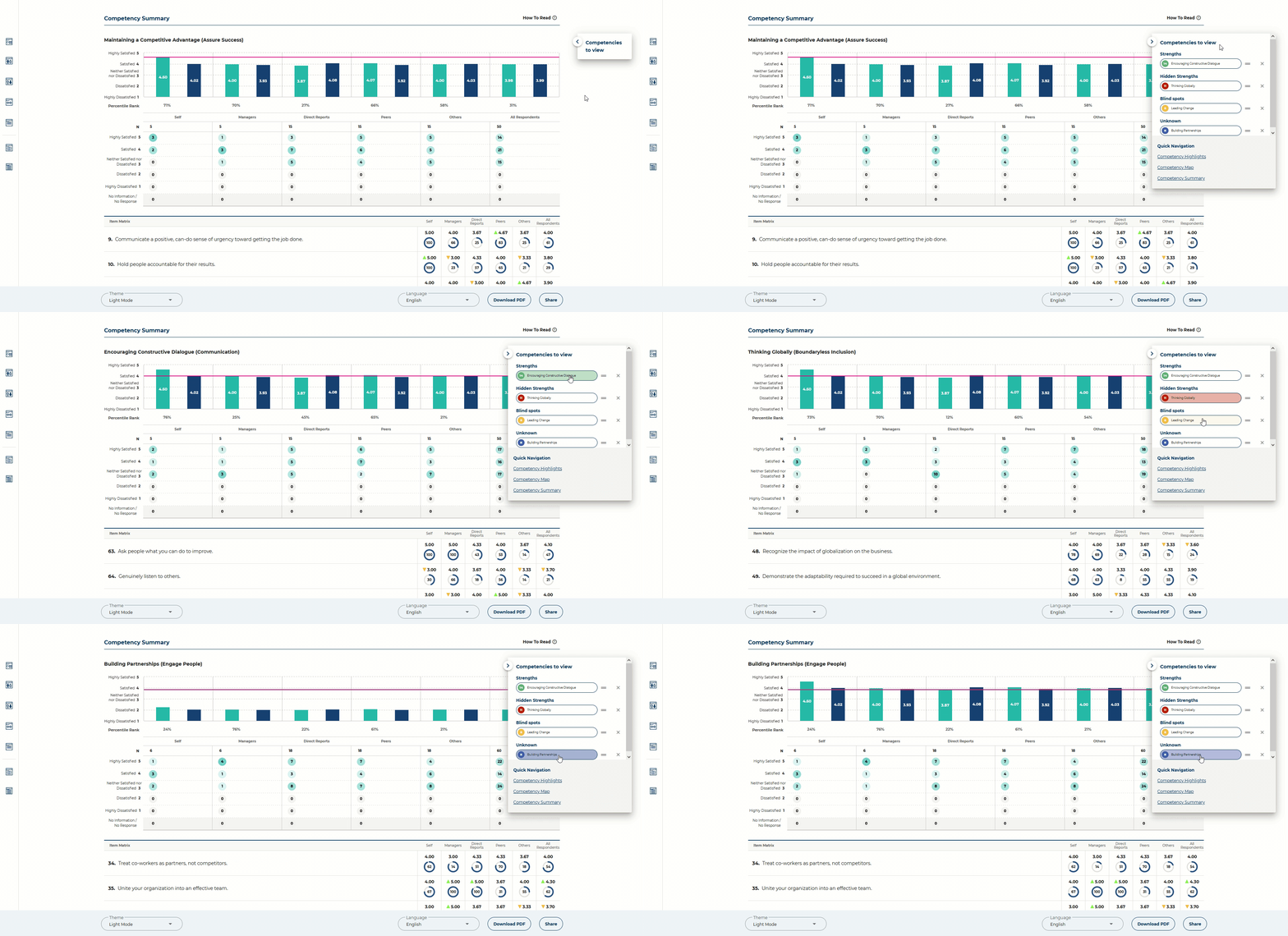
This section can be expanded and collapsed, to be used flexibly as needed.